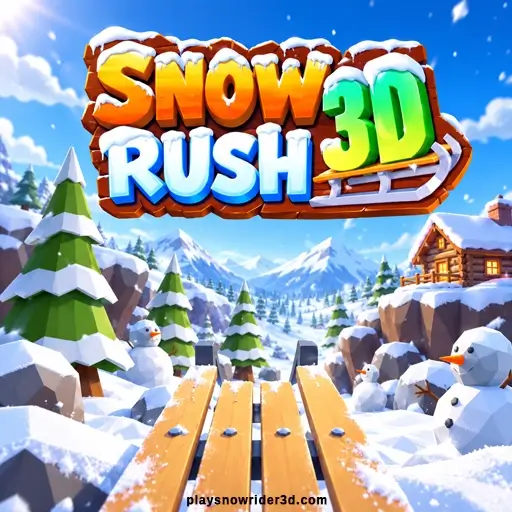
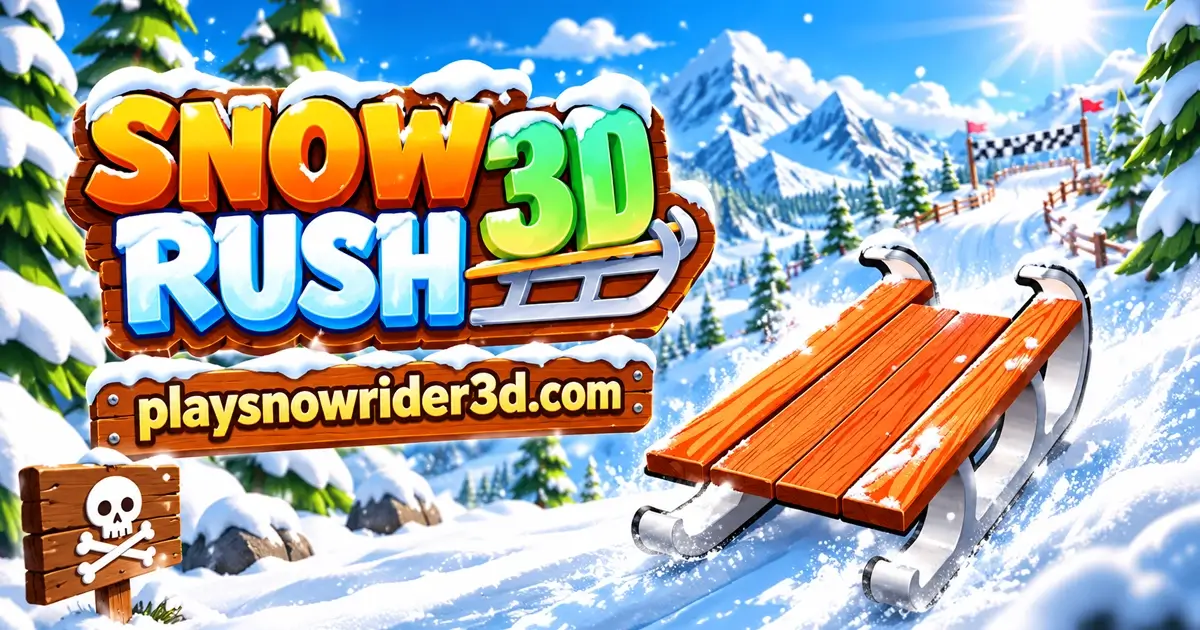
Snow Rush 3D is a free sledding game you can play in your browser, alone or with a friend on the same keyboard. You ride a sled down an endless snowy slope, steer around trees and giant snowballs, and jump over rocks. Pick up gift boxes along the way and use them to buy new sleds. There's nothing to download.
The game has a soft, low-poly look, with chunky trees, rocky cliffs and little wooden cabins along the track. What makes it stand out is the two-player mode: two sleds, one screen, and the first person to crash loses. Below you'll find the controls for both players, how the two-player rules really work, every sled and its price, and the mistakes that end most runs early.
What Is Snow Rush 3D?
The Snow Rush 3D game is an endless downhill runner. Your sled moves forward on its own, and you can't brake or slow down. You only steer left and right and jump. The goal is simple: stay on the sled as long as you can and set a new best score.
You see the slope from the seat of your sled, so the trees and snowballs come straight at you. The track runs between rocky walls, with pine trees, bare trees and cabins on the sides. One hit and your sled breaks into pieces.
Gift boxes sit on the snow along the way. They're the game's only money, and you spend them on new sleds before each run. The main menu also tracks your best score and how many times you've played, so you always have a number to beat.
You can find more snowy games like this one in our Winter Games collection.
Snow Rush 3D vs Snow Rider 3D
A lot of people find the Snow Rush game while looking for Snow Rider 3D, or the other way around. The names are close and the idea is the same, so it's easy to mix them up. They are two different games, though.
- Two players. Snow Rush 3D has a split-screen mode for two people on one computer. Snow Rider 3D is single-player only.
- Look. Snow Rush 3D uses big, angular low-poly shapes and a darker blue sky. Snow Rider 3D has a brighter, smoother style.
- Sleds. Both have 11 sleds, but Snow Rush 3D's prices go higher, from 35 up to 300 gifts. The sleds in Snow Rush 3D have no names in the shop.
- Menus. Snow Rush 3D lets you pick a sled right before every run, has separate sound and music buttons, and comes in seven languages.
You may also see a game called "Snowrush" in search results. That one is a different snowboarding game with lanes, coins and power-ups. It isn't the sledding game on this page.
How to Play Snow Rush 3D
Starting a run takes only a few clicks. Here's the full flow.
- Tap the title screen when it says "Tap to start".
- Choose 1 Player or 2 Player in the main menu.
- Pick your sled with the arrows, or buy a new one with gifts, then press Start.
- Read the controls card and press Done to begin sliding.
- Steer around trees, snowballs and snowmen, jump over rocks, and pick up gift boxes on the way.
- After a crash, check your score and gifts, then press Main Menu to ride again.
Snow Rush 3D Controls
The controls change a little depending on the mode. In single-player you can use either side of the keyboard. In two-player, each person gets their own keys.
| Mode | Steer left / right | Jump |
|---|---|---|
| 1 Player (computer) | A and D, or Left and Right arrows | W, Up arrow or Space |
| 2 Player: Player 1 | A and D | W |
| 2 Player: Player 2 | Left and Right arrows | Up arrow |
| Phone or tablet | Tap the left or right side of the screen | Tap with two fingers |
There's no brake and no pause button. The game sets the speed, so all your skill goes into steering and the timing of your jumps. Menus work with a mouse click or a tap.
How 2 Player Mode Works in Snow Rush 3D
Two-player mode is the reason many people search for this game. Two players share one keyboard, and the screen splits down the middle. Player 1 rides on the left, Player 2 on the right.
Before the race, each player picks their own sled. Player 1 starts with a light wooden sled on a metal frame. Player 2 starts with a dark wooden toboggan.
Here's the rule that matters: the round ends the moment one player crashes. The other player gets a "Winner" trophy straight away. It doesn't matter who collected more gifts or who was ahead on the slope. Survive longer than your friend and you win.
That changes how you should play. In single-player you might take a risk for a gift. In two-player, the safest line is almost always the best one, because your friend only needs one mistake from you.
Two-player mode is for computers only. On a phone or tablet, the menu shows just the 1 Player button, since two people can't share a small touch screen.
Obstacles on the Slope
The track is full of things that end your run. Here's what you'll run into most:
- Giant snowballs. Big round balls of snow, often lined up across the track. Look for the gap between them and steer into it early.
- Snowmen. They stand in groups, sometimes right in the middle of your path.
- Pine trees and bare trees. Too tall to jump. You have to go around them, and some parts of the slope are a small forest.
- Rocks. Low grey rocks you can jump over or steer around.
- Rock walls. The track has walls on both sides. Hitting them breaks your sled too.
Gift boxes sit between all of this. Some are out in the open, and some are tucked right next to a tree or a snowball.
All Snow Rush 3D Sleds and Their Prices
You choose your Snow Rush sled on the screen that appears before every run. Use the arrows to look through them. There are 11 sleds in total: two you already own (one for each player in two-player mode) and nine you can buy with gifts. The game doesn't give them names, so here they are by look.
| Sled | Price (gifts) |
|---|---|
| Light wooden sled on a metal frame (Player 1 starter) | Free |
| Dark wooden toboggan with a curled front (Player 2 starter) | Free |
| Flat wooden toboggan board | 35 |
| Blue curved metal sled | 75 |
| Wooden sleigh with a snowflake panel | 100 |
| Round wooden saucer | 150 |
| Dark metal sled with curly rails | 175 |
| Tall wooden sleigh | 200 |
| Long dark wooden sled | 230 |
| Grey metal-frame sled | 250 |
| Thin metal racing sled | 300 |
What is the best sled in Snow Rush 3D?
None of them is faster or easier to steer. The sleds only change how your ride looks, so the best one is the one you enjoy seeing. My pick for a first buy is the round wooden saucer at 150 gifts, because it looks so different from every other sled. If you just want something new quickly, the 35-gift wooden board is the cheapest way to change things up.
How many gifts do you need to unlock every sled?
Buying all nine sleds costs 1,515 gifts. Gifts only come from boxes you pick up on the slope, so how fast you get there depends on how many you grab each run.
| Gifts per run | Runs for the 35-gift sled | Runs for the 300-gift sled | Runs to unlock everything (1,515) |
|---|---|---|---|
| 5 | 7 | 60 | 303 |
| 10 | 4 | 30 | 152 |
| 20 | 2 | 15 | 76 |
Short runs give you very few gifts. Mine ended within seconds while I was learning, with no gifts at all. Longer runs pass a lot more boxes, so getting better at dodging is also the fastest way to fill your sled collection.
How Scoring Works in Snow Rush 3D
Your score is the number next to your sled, and it goes up as long as you keep riding. You don't need tricks to raise it. Just stay alive. When you crash in single-player, the end screen shows your score, the gifts you earned in that run, and your best score.
The main menu keeps two numbers on wooden signs: Best and Plays. Best is your top single-player score. Plays counts every round, including two-player games. Both stay saved in your browser after you close the page.
Don't be surprised if your first scores are tiny. My first runs ended with a score of 2, because the first big row of snowballs came up fast. Once you learn to spot the gaps, the numbers climb quickly.
Tips to Ride Farther
- Look far down the slope. Watch the snow ahead, not your sled. Rows of snowballs are much easier to read from a distance.
- Pick a gap early. When a line of snowballs or snowmen appears, choose your opening right away and move toward it in small steps.
- Tap, don't hold. Short taps on the steering keys give you better control than holding a key down.
- Jump rocks, steer around everything tall. Rocks are low enough to jump. Trees, snowmen and big snowballs aren't.
- Stay away from the walls. Keep some space between you and the rock walls so you always have room to dodge both ways.
- Skip risky gifts. A gift next to a tree isn't worth the run. You'll find safer ones further down.
- In two-player, play safe. You only need to last one second longer than your friend.
Common Mistakes That End Your Run
Most crashes come from the same few habits. Fix these and your best score goes up fast.
- Waiting too long at a row of snowballs. If you only react when they're close, the gap is already out of reach. Move as soon as you see them.
- Holding the steering key. You slide too far, then over-correct into the next obstacle.
- Trying to jump over a tree or snowman. Jumps only clear low things like rocks.
- Chasing every gift box. The boxes pull your eye toward danger. Check what's next to a gift before you go for it.
- Hugging the wall. Riding close to the side leaves you only one way to dodge.
- In two-player, watching the other screen. It's tempting to see how your friend is doing. Keep your eyes on your own half.
Play Snow Rush 3D Online, Unblocked or on Mobile
Snow Rush 3D runs in your web browser on a computer, Chromebook, phone or tablet. The first load takes around 10 seconds. After that you can start a new run in a couple of clicks.
Can you download Snow Rush 3D? You don't need to. It's made to be played online for free, and your best score, play count and gifts are saved in your browser. If you clear your browser data or switch devices, you'll start from zero.
On a phone or tablet, tap the left side of the screen to steer left, the right side to steer right, and tap with two fingers to jump. Hold your phone sideways for a wider view. Only single-player is available on touch screens.
At school or work, people often look for Snow Rush 3D unblocked. The game may be blocked if your network blocks game sites. We don't offer ways to get around those rules, so if it's blocked, save it for home.
Similar Games
If you like Snow Rush 3D, try these other winter games on our site:
- Snow Rider 3D: the classic single-player sled ride, with gifts and 11 sleds to unlock.
- Snow Road: a blocky sledding game with a meter counter and an online leaderboard.
- Slope Rider: a fast slope game for quick reactions.
- Ski Frenzy: swap the sled for skis.
For more, browse Driving Games for fast rides, New Games for our latest additions and Hot Games for our top picks right now.
Snow Rush 3D FAQ
Is there an ending in Snow Rush 3D?
No. The slope never ends, so each run lasts until you crash. The challenge is beating your own best score.
Is Snow Rush 3D free?
Yes. It's free to play in your browser, and every sled is bought with gifts you collect in the game.
Can you pause Snow Rush 3D?
No. There's no pause button during a run, so finish the run before you step away.
Is my progress saved?
Yes. Your best score, play count and gifts stay in your browser after you close or reload the page, as long as you use the same browser on the same device.
What languages is Snow Rush 3D available in?
It comes in seven languages: English, Russian, Turkish, Spanish, Portuguese, German and Arabic. Use the flag button in the main menu to switch.
Conclusion
Snow Rush 3D takes the simple endless sled ride and adds something most games like it don't have: a real head-to-head mode on one keyboard. Alone, it's a test of how long you can keep dodging snowballs and trees. With a friend, it turns into a tense race where one mistake decides the winner. Learn to read the gaps early, collect gifts when the path is clear, and see how far you can get in Snow Rush 3D.