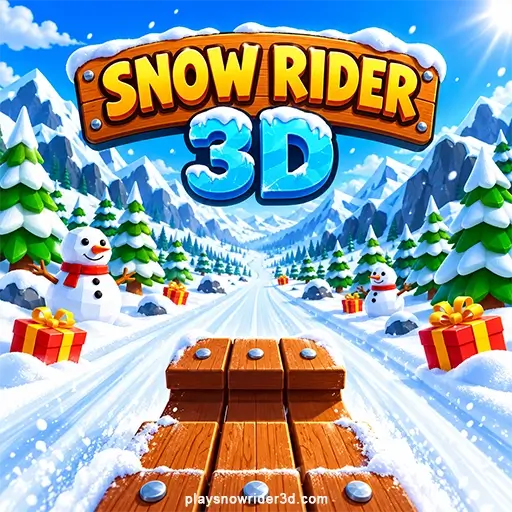
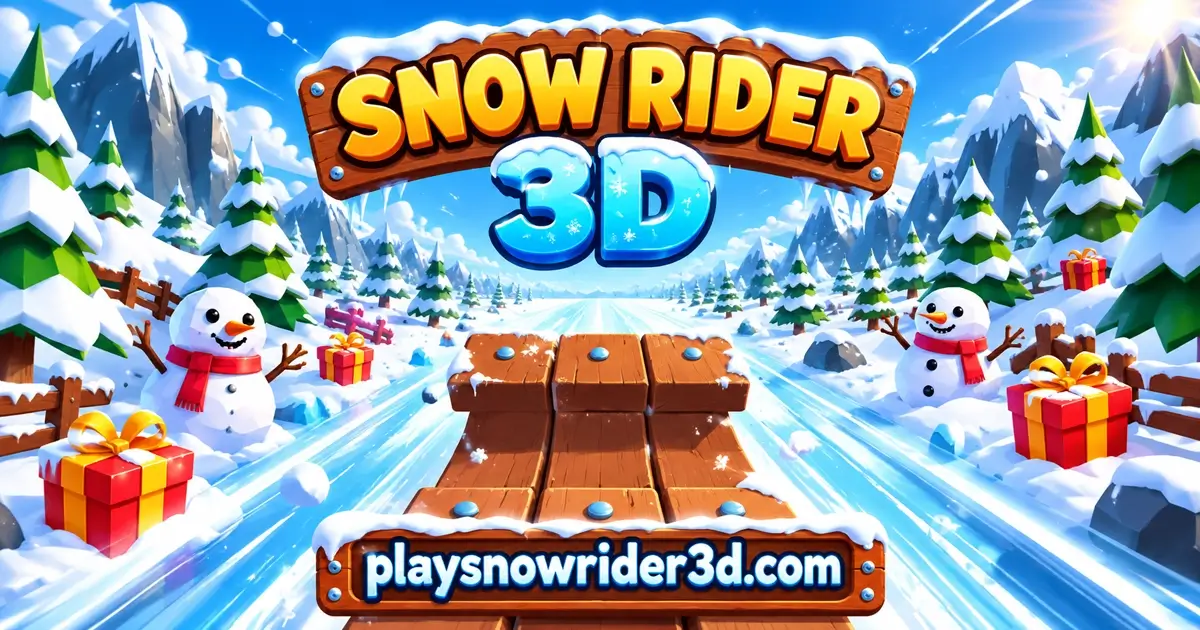
Snow Rider 3D is a free sledding game you play in your browser. You ride a sled down a snowy mountain that never ends. Steer around trees, rocks and snowmen, jump when there's no room to turn, and pick up gifts to buy new sleds. One crash ends the run, so each try is a shot at beating your own best score.
What Is Snow Rider 3D?
Snow Rider 3D is an endless downhill run. You see it from the seat of your sled, with the handles right in front of you. There are no levels and no finish line. The slope just keeps going, and your score goes up the farther you get.
Hit anything and the sled breaks apart. That's the end of the run, and you start again from the top. The world has a simple, blocky 3D look: pine forests, bare trees, log cabins, rocky canyons and lots of snowmen. Gifts are scattered along the track. They're the only money in the game, and you spend them on new sleds. For more cold-weather games, see our Winter Games page.
Snow Rider 3D Browser Game vs. the Apps and Other Versions
Lots of games and apps use the Snow Rider name. That's why people often ask which one is the real Snow Rider 3D. Here's how to tell them apart.
- The browser game on this page is the classic Snow Rider 3D. You see the run from the sled, collect gifts, and buy sleds in a shop with 11 choices. The lobby has a wooden board with your Best score and number of Plays. Nothing to download.
- The Snow Rider 3D apps on the App Store and Google Play are separate apps you download. They share the name, but they aren't the game you play here.
- Other web versions show up on other game sites. CrazyGames, for example, lists a Snow Rider 3D from April 2025 that lets you watch an ad for a second chance after a crash. The version here has no second chance. A crash always ends the run.
- Snow Rider 2, Snow Rider 3D Nostalgia and Snow Rider IO are different titles that borrow the name. Their rules aren't the same, so this guide doesn't cover them.
Seeing a sled in front of you, a gift counter in the top-left corner and "Tap to Slide" in the lobby? Then you're playing the same game this guide is about.
How to Play Snow Rider 3D
- Click or tap Tap to Start on the title screen.
- In the lobby, check your Best score and Plays on the wooden board. Then click the sled to start sliding.
- Your first runs show a short tutorial with the controls. Click Click Here to Play to begin.
- Steer left and right to miss obstacles. Jump when you can't steer around something in time.
- Pick up gifts on the way to add to your total.
- After a crash, you'll see your Score, your Best and the Gifts you got. Tap to restart and go again.
You can't speed up or slow down. The sled goes downhill on its own, so all you think about is where to point it and when to jump.
Snow Rider 3D Controls
| Action | Keyboard | Mobile |
|---|---|---|
| Steer left | Left Arrow or A | Left button |
| Steer right | Right Arrow or D | Right button |
| Jump | Up Arrow, W or Space | Jump button |
| Restart after a crash | Click or Space | Tap the screen |
| Menus, shop and settings | Mouse click | Tap |
The settings menu is the wrench icon in the lobby. It has one option: sound on or off. There's no pause key, so a run keeps going until you crash.
Obstacles You Need to Dodge
The track keeps changing. Most crashes happen because you saw something too late. Here's what you'll run into:
- Trees and stumps. Pines and bare trees line the edges, and some stand right in the middle of the path.
- Rocks and canyon walls. Big boulders and rock walls squeeze the track into narrow passages.
- Snowmen and giant snowballs. Watch out for groups of snowmen. They can cover most of the slope, so pick your gap early.
- Log cabins and fences. Cabins sit next to the track. Wooden fences run along the sides or across tight spots.
- Skull signs. Wooden signs with a skull mark the dangerous parts of the run.
The game's own tutorial tells you not to forget to jump. Use it when turning alone won't get you out of the way.
All Snow Rider 3D Sleds and Their Prices
Every gift you grab goes into the counter in the top-left corner. Your total carries over from run to run. To spend it, click the cart icon in the lobby, flip through the sleds with the arrows, and buy the one you want. The Toboggan is yours for free from the start.
| Sled | Price (gifts) |
|---|---|
| Toboggan | Free (starter) |
| Metal Sleigh | 50 |
| Plastic Sleigh | 50 |
| Eskimo Sleigh | 50 |
| Ancient Sleigh | 50 |
| Modern Sleigh | 50 |
| Evil Sleigh | 75 |
| Round Sleigh | 75 |
| Chroma Sleigh | 75 |
| Hill Racing Sleigh | 100 |
| Santa Sleigh | 200 |
There are 11 sleds in all. Buying the ten paid ones costs 775 gifts. The shop also says more sleds are coming.
What is the best or fastest sled?
None of them. Every sled has the same speed and handling. The only difference is how it looks. So the best sled is the one you like the look of. The Santa Sleigh costs the most at 200 gifts, but it plays exactly like the free Toboggan. If you want a quick first buy, any of the 50-gift sleds is a good target.
How many runs does it take to unlock every sled?
That depends on how long you last, since longer runs pass more gifts. Here's a real example: a run that scored 241 lasted just under four minutes and picked up 19 gifts. At that rate:
- A 50-gift sled takes about 3 runs.
- The Hill Racing Sleigh (100 gifts) takes about 6 runs.
- The Santa Sleigh (200 gifts) takes about 11 runs.
- All ten paid sleds (775 gifts) take about 41 runs.
Short runs bring in fewer gifts, so it'll take longer when you're starting out. Since the sleds only change the look, there's no rush.
How Scoring Works and the World Record
Your score sits next to the sled and keeps going up as you ride. Ride longer and you score higher. Once you pass your old best during a run, a star shows up next to the number. Your Best score and Plays are saved in your browser, so they're still there next time on the same device.
What is a good score in Snow Rider 3D?
The score works a lot like a timer. In the run we looked at, it went up by about one point per second. It was a little slower at the start and a little faster later on.
| Score | About how long you lasted |
|---|---|
| 30 | 40 seconds |
| 100 | 1 minute 50 seconds |
| 160 | 2 minutes 45 seconds |
| 241 | 3 minutes 50 seconds |
If you're new, getting past 30 means you've got the steering down. Past 100, you're reading the track well. Anything over 200 is a long, careful run.
What is the Snow Rider 3D world record?
There isn't an official one. The game has no online leaderboard, so no record can be checked. Players post their best runs on YouTube and call them world records. Those videos claim scores like 241, 442 and 628, but there's no official list to compare them with. The only record the game keeps is your own Best.
Tips to Ride Farther
- Look far down the slope. It's much easier to dodge something you start moving away from early.
- Use short taps to steer. Hold a direction too long and you'll swing into the wall on the other side.
- Jump only when you have to. Steer first. Save the jump for gaps too narrow to slip through.
- Let some gifts go. Gifts often sit right next to obstacles. One gift isn't worth losing the run.
- Stay near the middle. It leaves you room to move either way when something shows up.
- Turn your phone sideways. Landscape mode shows more of the track, and the buttons are easier to reach.
Common Mistakes That End Your Run
Most runs end because of the same few habits. Fix these and your Best will go up fast.
- Turning too hard. Holding left or right too long throws the sled across the track and into the trees. Tap, look, then tap again.
- Only watching the closest obstacle. Dodge one snowman without checking what's behind it, and you'll often hit the next one. Think two obstacles ahead.
- Going for risky gifts. A gift next to a rock or tree is tempting. If you need a sharp last-second turn to get it, skip it.
- Turning inside rock passages. Narrow canyons leave almost no room to fix a mistake. Line up with the opening before you get there.
- Watching the score. Seeing the star is exciting, but your eyes need to stay on the track.
- Playing in portrait mode on a phone. Everything looks cramped. Turn your phone sideways before you start.
Are There Snow Rider 3D Hacks, Glitches or a Super Jump?
People search a lot for hacks, an infinite score glitch, a super jump or a way to fly. Here's what the game actually has. There are no cheat codes, no score boosts and no hidden power-ups. The only thing to collect is gifts. The only moves are left, right and jump.
The star next to your score isn't a power-up either. It just means you've passed your old best. No sled gives you more speed or a higher jump, because they all play the same.
Be careful with videos and sites that promise hacks. Some videos are edited, and "hacked" downloads can carry unwanted software. The way to a higher score is the same for everyone: look ahead, steer gently and jump only when you need to.
Playing Snow Rider 3D Unblocked at School or Work
Snow Rider 3D is one of the most searched games with the word "unblocked." Most of those searches come from students who want a quick run at school. Here's what decides whether it loads for you.
- It runs in a normal browser. There's nothing to download or install, so it works on computers that don't let you install programs.
- The network decides. Schools and offices often block game sites. If the game won't load, that network is blocking it, and that's the school's or employer's rule.
- Follow the rules where you are. Play during breaks or at home. Don't try to get around a network's blocks.
- Your progress stays in one browser. Your Best score, Plays and gifts are saved on the device you use. A shared school computer may not keep them, and they won't move to your computer at home.
Play Snow Rider 3D on Mobile, iPad and PC
The game runs in your web browser, with nothing to download. On a computer, use the keyboard. Click the fullscreen button on the game player for a bigger view. On a phone or tablet, including iPhone and iPad, you get buttons on the screen for left, right and jump. Turn your device sideways. In portrait mode the menus get very small.
Your progress is saved in the browser, so your Best score, Plays and gifts stay on that device and browser. They don't move to other devices. Clearing your browser data will most likely wipe them.
Is Snow Rider 3D Safe for Kids?
It's a simple cartoon-style winter game, and lots of younger players enjoy it. Here's what parents usually want to know.
- No violence. The only "crash" is the sled breaking apart on a tree or snowman before the next run.
- No chat and no account. There's no sign-up, no login and no way to talk to other players.
- No real-money purchases. The shop only takes gifts collected in the game.
- Sound can be turned off in the settings menu.
- Short runs. A run lasts anywhere from a few seconds to a few minutes. That makes it easy to agree on a set number of plays.
Similar Games
If you want more downhill runs, try these next:
For more, browse Driving Games for fast rides, New Games for our latest additions and Hot Games for our top picks right now.
Snow Rider 3D FAQ
Is Snow Rider 3D free?
Yes. It's free to play in your browser, and you unlock every sled with gifts you collect in the game.
Does Snow Rider 3D ever end?
No. The slope never ends, and a run only stops when you crash. You can't finish the game. The goal is to beat your own best score.
Can you pause Snow Rider 3D?
No. There's no pause button or key, so a run keeps going until you crash.
How do you restart Snow Rider 3D?
After a crash, click or tap the screen, or press Space. You'll go back to the lobby, where you can change sleds or start the next run.
Can you play Snow Rider 3D with two players?
No. It's a single-player game. To play against a friend, take turns on the same device and compare your Best scores.
Conclusion
Snow Rider 3D is easy to pick up. You steer, you jump and you grab gifts, and you can learn the controls in a few seconds. Getting a high score is the hard part, because every run asks you to spot trouble a little sooner. Start with the free Toboggan, aim for a 50-gift sled first, and keep your eyes on the track instead of the score. That's how your Best keeps going up.